








Define the data for your endpoint
- 1
Choose your data source
RequiredEndpoints can be created from existing insights or SQL queries in PostHog. Choose the approach that best fits your use case.
Not sure where to start? Try building an insight with PostHog AI.
Best for: Exposing data from existing insights you've already built.
Create an insight in PostHog that shows the data you want to expose. This could be:
- A trend showing daily active users
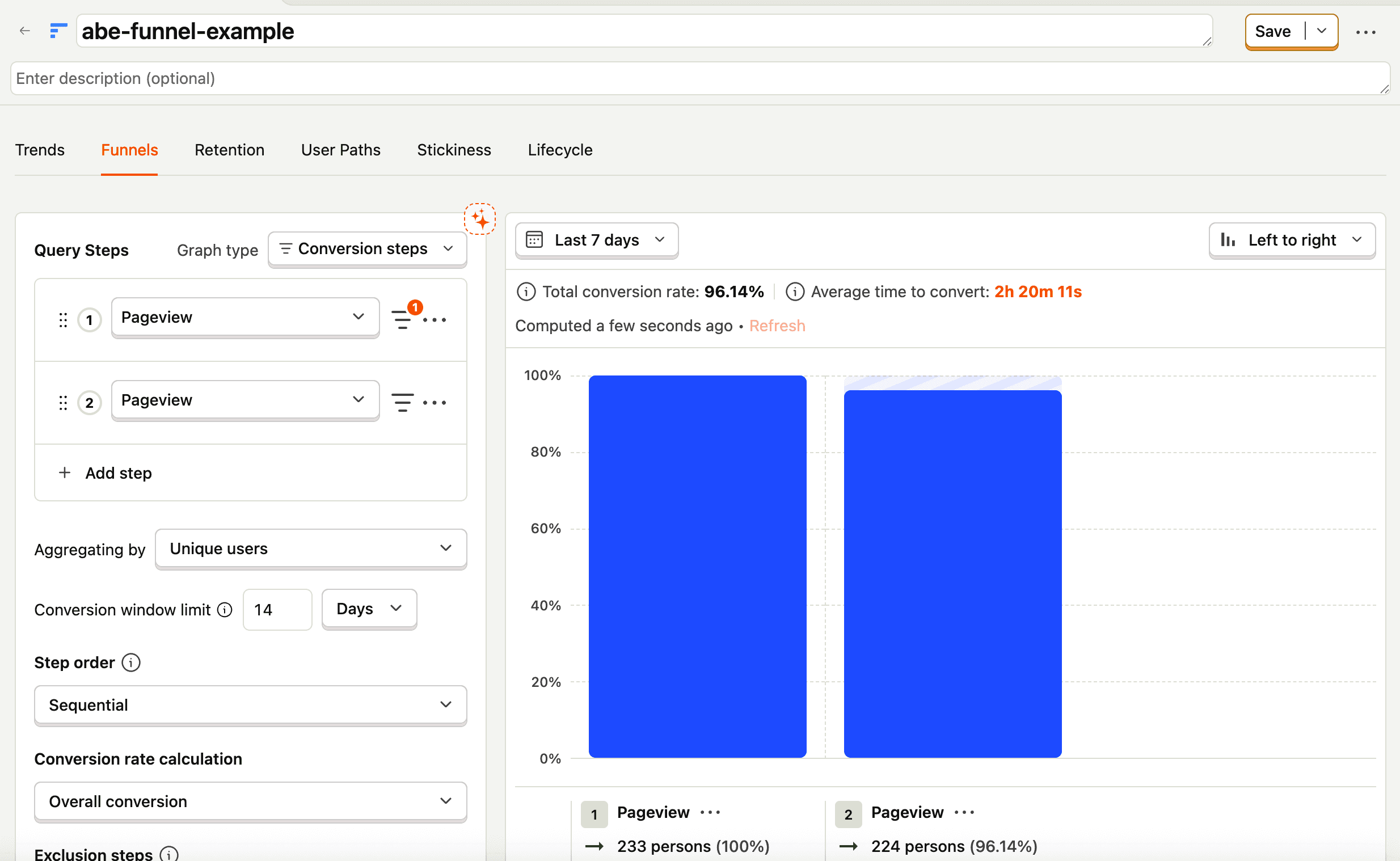
- A funnel tracking user conversion
- A retention analysis
- Any other insight type
Best for: Custom queries, complex joins, or when you need variables.
Create a SQL query in the SQL editor that returns the data you need. SQL-based endpoints give you full control over the query structure.


- 2
Verify results of your query
RecommendedBefore creating an endpoint, make sure your insight or SQL query returns the expected results:
- For insights: Check the visualization shows the data you expect
- For SQL queries: Click Run and review the results table
This ensures your endpoint will return meaningful data when executed.
- 3